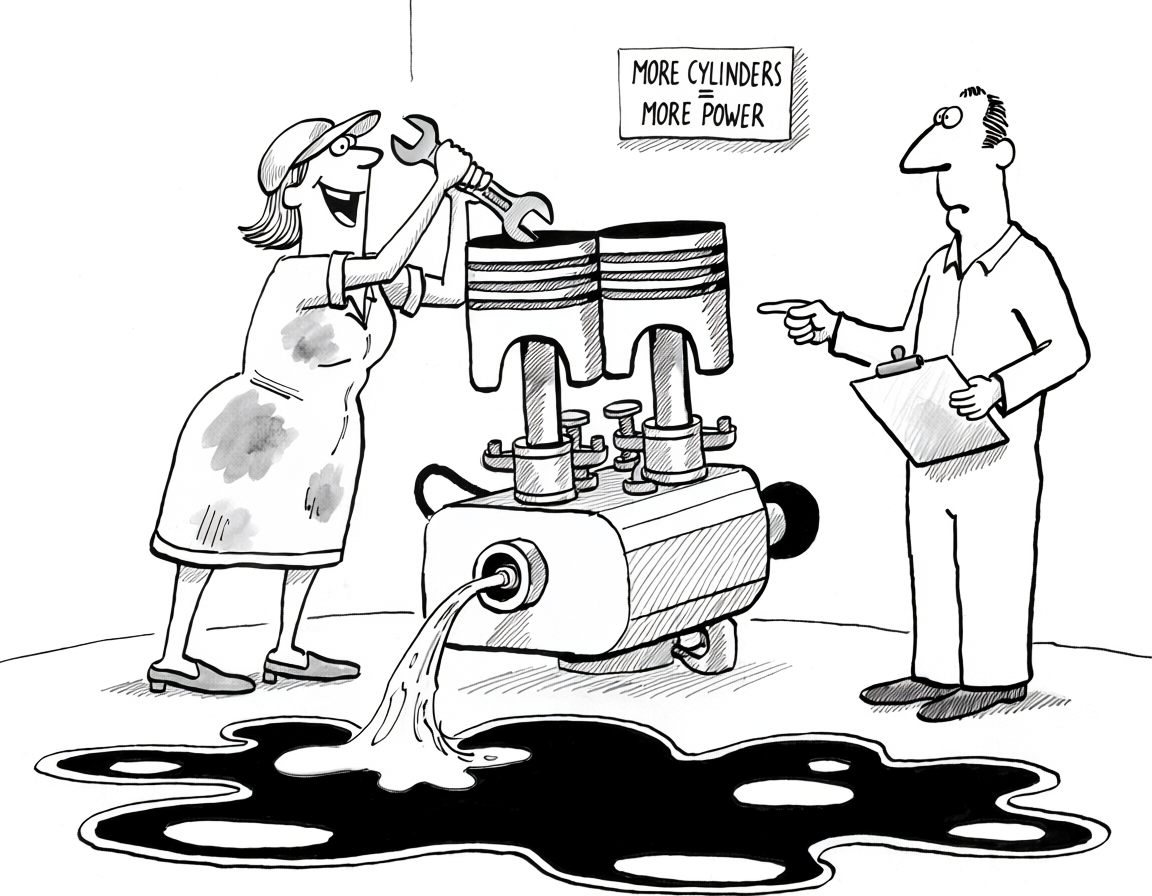
What unites replication lag, CPU at 100%, dashboard timeouts, disk filling, and the server that crashes every Tuesday afternoon? Almost always the same thing: bad queries. Throwing metal at it fixes the symptom, leaves the cause, and rents back the same outage at the next traffic threshold.
A team added a third read replica because the primary was at 95% CPU. Lag got worse, not better. The slow-query log was empty because the threshold was 100 ms and the offending statement averaged 40 ms. pg_stat_statements sorted by total_exec_time showed it on the first row: SELECT COUNT(*) FROM orders WHERE status = 'open', fired by the status-filter dropdown on the orders page, roughly 600 calls per second at peak. Forty milliseconds becomes 24 CPU-seconds per wall-second the moment a few hundred users land on that page in parallel. The same shape is documented publicly in Rails Admin issue #2699 from August 2016, where COUNT(*) on tables with 1-10 million rows ran 10-20 seconds and made the admin dashboard unusable. Part III walks the CPU case in depth; Part II is the troubleshooting playbook that gets you there, and this article is the framing for the whole series.
The obvious fix and why it buys you weeks
Bigger instance. More replicas. Faster IOPS. Every one of those is a real lever, and on a sufficiently bad day, the right immediate move. They share a property the postmortem usually skips: each rents capacity proportional to the bug’s cost, and the bug stays. The 40 ms COUNT(*) costs 60% less on a box twice the size, but the cost is still proportional to traffic, and traffic only goes one direction. Six months later the same team is sizing up the box again, and the dropdown is still firing 600 times a second.
I know, I know - digging into the query, reading the plan, refactoring the ORM call is engineering time, and engineering time looks more expensive than a bigger instance. On the day of the incident, the math holds. A quarter later it stops holding, when the same dropdown is firing 900 times a second instead of 600 and the bigger box is back at 95%. You are going to deal with it. The only question is whether you spend one SME hour now, or whether you keep paying the surcharge that grows with traffic and end up spending more time on it over the year than the tuning would have cost in the first place.
Four symptoms, one cause
Almost every infrastructure alert on a relational database has a hardware-shaped reading and a query-shaped reading. The query-shaped reading is right more often. The four symptoms below each get their own post in this series; what follows is the map, not the territory.
CPU pegged at 100% usually means an aggregate or lookup that runs cheaply per call and fires under heavy concurrency: a dashboard COUNT(*), an unread-count badge that re-renders on every page load, an N+1 from the ORM inside a list view that nobody noticed. Sort pg_stat_statements by total_exec_time, not mean_exec_time, and the offender is on the first page. MySQL’s equivalent is performance_schema.events_statements_summary_by_digest ordered by SUM_TIMER_WAIT; same trick, different schema. Part III.
Memory pressure is rarely a workload that needs more RAM. More often it’s work_mem multiplied by connection count: each sort or hash spilling its allocation, multiplied by a few hundred Rails workers, blows past whatever the instance has. The MySQL shape is the same with per-thread buffers (sort_buffer_size, join_buffer_size, tmp_table_size) multiplied by max_connections. Bigger box, same multiplier, same alert. Part IV.
Disk filling and IOPS saturation usually mean bloat (no-op UPDATEs producing dead tuples faster than autovacuum cleans them), audit tables without retention, or non-SARGable predicates and coverage that broke when a column got added to the SELECT, forcing random heap fetches that look like an IOPS shortfall. InnoDB has the same shape with undo-log growth under long-running transactions starving purge, and with random reads from non-clustered secondary indexes that force a clustered-index lookup per row. Provisioning more IOPS works, and leaves the access pattern intact. Part V.
Replication lag presents as a replica problem and is almost always a writer problem. Long transactions hold back replay. Over-indexed tables under heavy UPDATE traffic produce write amplification; the same WAL stream replays single-threaded on every replica. ORMs that re-write every column on every save produce no-op WAL records that every replica then applies. MySQL has the same pattern through the binlog, with one SQL thread per replica by default; parallel replication helps on independent workloads but rarely closes the gap on write-heavy ones with intra-transaction dependencies. Long-held locks blocking unrelated work compound the same way. Adding replicas makes it worse, not better. Part VI.
Read the top-10 before opening the cloud console
The discipline is mechanical. Before touching the instance type, the replica count, or the IOPS budget, pull the top-10 from pg_stat_statements sorted by total_exec_time and diff against last week. If the offender is new (a recently shipped feature, a new dashboard tile, an admin tool someone built last quarter) the fix is at that callsite. If the offender has been there the whole time and is only now problematic, traffic crossed a threshold the query couldn’t hold. Either way, the action is at the query, not the box.
Query tuning is cheap in dollars and expensive in SME hours. A team without a database specialist and with a deadline in two weeks does not have the headcount to read an execution plan, refactor an ORM call, and verify the fix under load. For that team, scaling the box is the right move, and the bug stays on the backlog as planned debt. The article’s framing assumes you have, or are willing to develop, the skill to read pg_stat_statements and EXPLAIN ANALYZE output. Without that skill, capacity is what you can buy; query understanding is what you can’t.
Asking Claude or another LLM is a real option for narrow questions (“what does this EXPLAIN ANALYZE mean?”, “is this index doing what I think?”) and worth using as a first pass. It hallucinates more on architecture than on syntax, and the only thing standing between that and a worse outage is whether someone on your team can read what it produced and tell when it’s wrong.
When this doesn’t apply
In an early-stage startup where four engineers are doing four jobs each and the storage layer is one of fifteen things on someone’s plate, reading pg_stat_statements weekly is not where the next dollar of engineering time goes. Scale the box. The cloud upsell exists for a reason, and at that stage the bug stays on the backlog as planned debt while the team finds product-market fit. The trade-off is honest as long as someone knows the debt is there.
The version of this that hurts later is a data-heavy company building without anyone who owns the storage layer. If the product is fundamentally about reading and writing data (OLTP-heavy SaaS, analytics-adjacent dashboards, event ingestion at volume, anything that touches embeddings or vector search), the schema and access patterns chosen in the first six months decide what is available to build on for the next three years. Without an SME on the foundation, the team ships a model the workload can’t actually run, and the same query-shaped failures arrive on a much shorter timeline than the founders planned for. The cheap version of doing this right is hiring or contracting someone who has seen this fail before, before the schema is hardened by code that depends on it.
What the next five parts cover
Part II is the troubleshooting playbook: what to open first when an alert fires, the built-in views worth knowing (pg_stat_activity, pg_stat_statements, pg_locks on Postgres; performance_schema.threads, data_locks, events_statements_summary_by_digest on MySQL), the handful of custom views worth saving for the next incident, and when a third-party tool like pganalyze, PMM, or Datadog DBM earns its cost. Part III takes the CPU case in detail: why sorting by total_exec_time finds the offender that mean_exec_time hides, and how MVCC visibility makes unbounded COUNT(*) the canonical example. Part IV is memory pressure and work_mem math. Part V is disk and IOPS: bloat, retention, fillfactor, the access patterns that look like a storage shortfall. Part VI is replication lag, where the fix is always on the writer. Each post stands on its own; reading them in order makes the pattern visible.